


We compared 12 AI search analytics tools under $100/month. Here's what you need to know: pricing varies wildly for what's often the same core feature set, engine coverage is the biggest differentiator at this price point, and most tools will show you data without telling you what to do with it. This guide cuts through that. You'll find verified monthly pricing and exactly what's included at each tier, a breakdown of which engines each tool monitors (ChatGPT, Perplexity, Gemini, Google AI Overviews, and beyond), and an honest look at what you lose at budget price points, from prompt caps to missing citation capture. We also cover the most common mistakes founders and growth teams make when choosing a tool, clear signals that you've outgrown a budget tier, and why Omnia delivers the best value under $100 for startups that need actionable insights, not just another dashboard to look at.
We compared 12 AI search analytics tools under $100/month. Here's what you need to know: pricing varies wildly for what's often the same core feature set, engine coverage is the biggest differentiator at this price point, and most tools will show you data without telling you what to do with it. This guide cuts through that. You'll find verified monthly pricing and exactly what's included at each tier, a breakdown of which engines each tool monitors (ChatGPT, Perplexity, Gemini, Google AI Overviews, and beyond), and an honest look at what you lose at budget price points, from prompt caps to missing citation capture. We also cover the most common mistakes founders and growth teams make when choosing a tool, clear signals that you've outgrown a budget tier, and why Omnia delivers the best value under $100 for startups that need actionable insights, not just another dashboard to look at.
If you've noticed organic traffic flattening over the last year, you're not imagining it. AI Overviews, ChatGPT, and Perplexity are now answering the questions your blog used to rank for, and a growing share of your potential customers never makes it to Google at all. The problem isn't just that traffic is dropping. It's that you have no visibility into what's replacing it.
For most startups, enterprise-grade AI search analytics tools aren't an option. You don't have a $2,000/month budget, a dedicated SEO team, or six weeks to run a procurement process. You need something that works, costs under $100 a month, and actually tells you what to do next, not just what's happening.
That gap matters more than it might seem. AI search is becoming a primary discovery channel for high-intent buyers. When someone asks ChatGPT which project management tool to use for a Series A startup, or asks Perplexity to recommend the best HR software for a 20-person team, the brands that show up in those answers might be capturing demand that never touches a search results page. If you're not one of them, you're not losing a ranking. You're losing the conversation entirely. Not sure where you currently stand? View your AI visibility for free before diving into the comparison below.
The good news is that you don't need to spend a fortune to get real visibility into this. We tested 12 AI search analytics tools available for under $100/month, looking at verified pricing, engine coverage, feature limits, and most importantly, whether they help you act on what you find. Here's what we found, and how to choose the right tool for where you are right now.
How We Evaluated These Budget AI Search Analytics Tools: Our Selection Criteria
Not every tool that claims to track AI search actually does it well. To keep this comparison honest and useful, we applied the same five criteria to every tool on this list:
- Verified pricing under $100/month: We confirmed monthly pricing directly, not annual-billed equivalents marketed as monthly rates. We also documented exactly what's included at that tier, because a $59/month plan that locks core features behind an upgrade isn't really a $59/month plan.
- Engine coverage: Which AI engines does the tool actually monitor? ChatGPT and Perplexity are table stakes. But what about Gemini, Google AI Overviews, Copilot, and Claude? The more surfaces a tool covers, the clearer your picture of where you're winning and where you're invisible.
- Feature limits: Budget tiers almost always come with trade-offs. We looked closely at prompt caps, seat limits, refresh cadence, API access, and alerting to understand what you're actually getting for your money and what you'd need to upgrade to unlock.
- Actionability: This is where most budget tools fall short. Showing you data is not the same as helping you act on it. We assessed whether each tool surfaces content recommendations, identifies specific pages to optimize, or suggests where to publish to improve citation rates. A dashboard you don't know what to do with isn't an analytics tool. It's a bill that can empty your company’s pockets.
- Methodology transparency: How does the tool sample prompts? How often are answers refreshed? Does it capture exact citation URLs or just domain-level data? Tools that don't disclose their methodology make it impossible to trust or act on what they report.
12 Best AI Search Analytics Tools Under $100 (Ranked by Value)
To help you shortlist fast, here's a quick-reference comparison table before we get into the full reviews:
1. Omnia ⭐ Editor's Pick
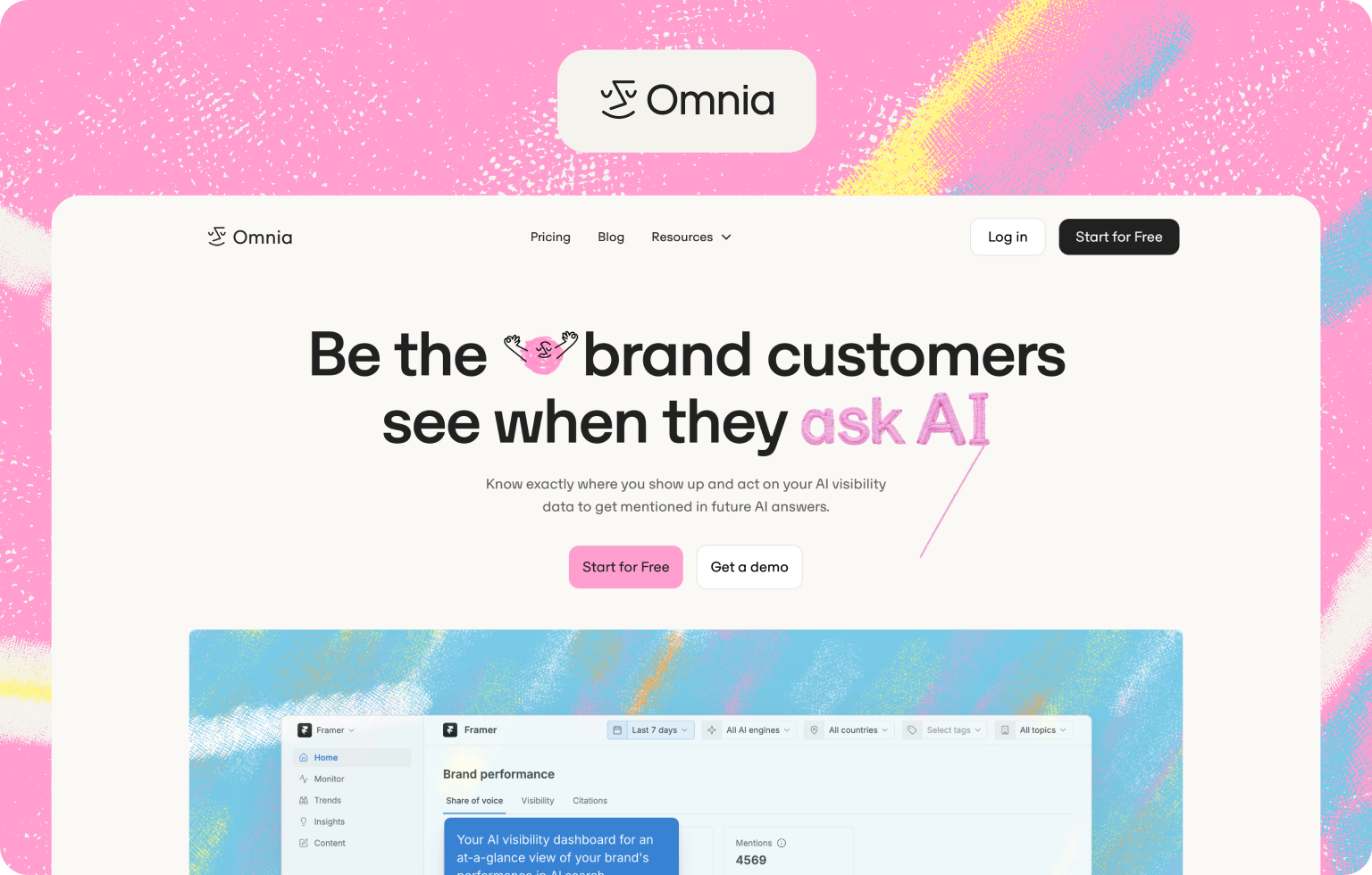
Pricing: From €79/month (Growth plan, monthly billing). Free trial available, no credit card required.
Engine Coverage: ChatGPT, Perplexity, Google AI Overviews, Google AI Mode
What You Get: Daily prompt monitoring across four major AI engines, citation tracking, competitor visibility benchmarking, prompt discovery that surfaces the AI topics most relevant to your brand, unlimited countries and languages, and 2 seats included. The Growth plan extends to 100 prompts, data exports, Slack support, and sentiment analysis (coming soon).
What You Lose: Gemini, Copilot, and Claude are not currently tracked.
Best For: VC-funded startups with a small or no marketing team who need actionable AI visibility insights without hiring headcount to act on them.
Why Omnia stands out at this price point
Most tools under $100 hand you a dashboard and leave you to figure out the rest. Omnia is built differently. From the moment you sign up, the platform is structured to get you to insight fast, and more importantly, to tell you what to do with it.
The monitoring dashboard tracks your brand mentions across AI engines daily, so you're never working from week-old data when the competitive landscape is shifting fast. Omnia's data visualization layer then presents share-of-voice and competitor benchmarking in a format your whole team can read and act on immediately, no analyst required.
The Trends feature surfaces emerging AI topics in your category before they become competitive, giving you the chance to create content for prompts that competitors haven't targeted yet. For startups focused on the long tail, this is where the real opportunity sits: less competition, higher intent, and a much better shot at getting cited than going after the same broad queries as everyone else.
The citation tracking is where most users hit their "aha moment." Omnia doesn't just tell you whether you were cited. It shows you exactly which sources AI engines trusted when they answered questions in your category, and what you need to do to get your content into that citation layer. This is the difference between a tool that reports and a tool that directs.
From there, Omnia closes the loop. The content creation feature generates structured, AI-optimized content briefs based on your visibility gaps, so a founder owning GTM or a one-person marketing team can act on what they find without spinning up additional headcount or tools. You can also define custom citations, specifying the exact sources and pages you want AI engines to pull from when answering questions in your category. That level of strategic control is rare at this price point.
Watch Out: If your audience skews heavily toward Gemini or Bing Copilot users, the engine coverage at the Growth tier may leave some gaps. That said, Omnia deliberately focuses on the engines that drive the most high-intent search behavior rather than padding its engine count with platforms that add noise rather than signal.
2. Otterly AI
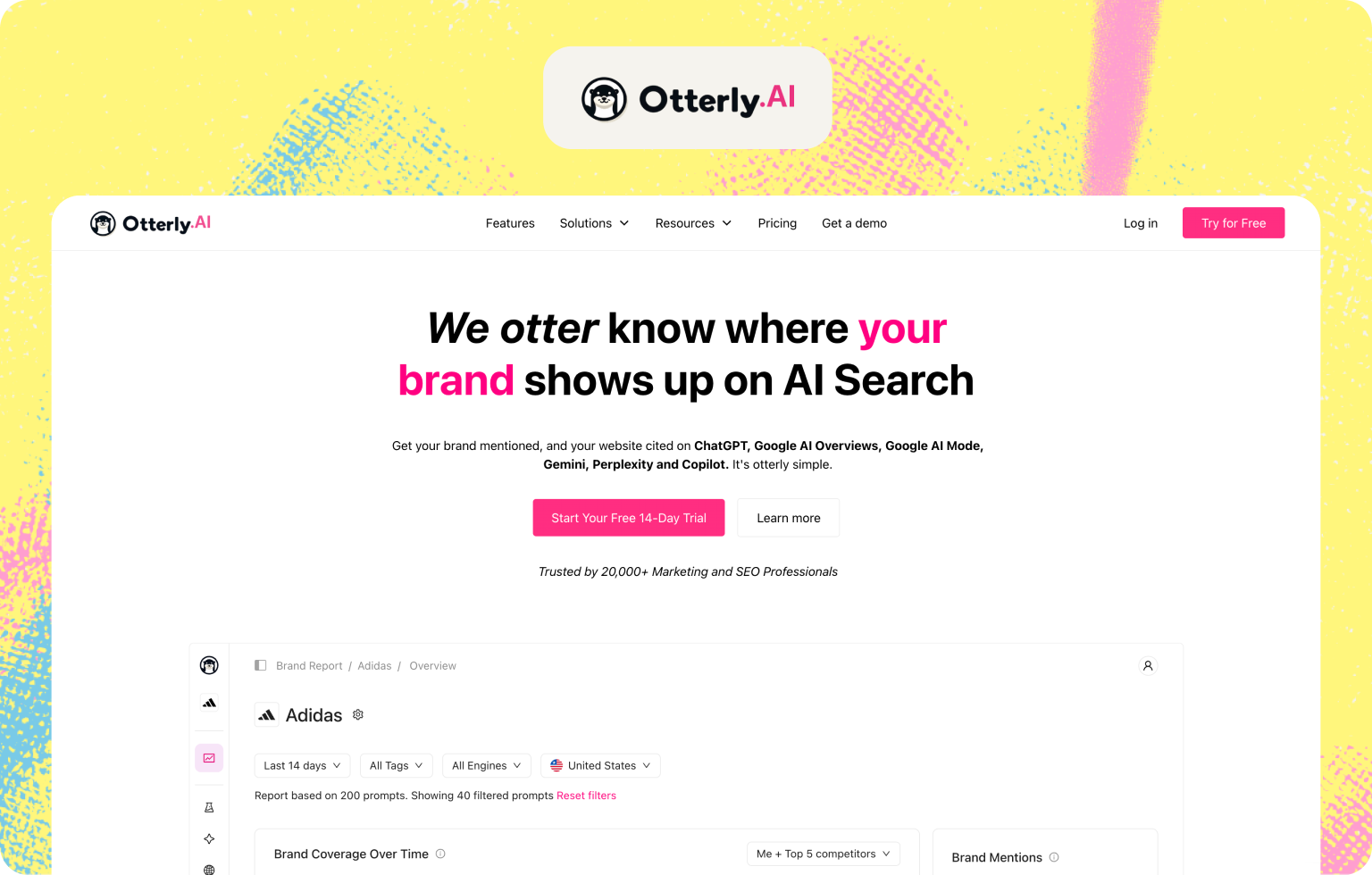
Pricing: $29/month (Lite, 15 prompts). Additional engine add-ons available separately.
Engine Coverage: ChatGPT, Perplexity, Google AI Overviews, Gemini, Microsoft Copilot, Google AI Mode
What You Get: Brand mention monitoring, citation tracking, a Brand Visibility Index score, GEO Audit tool (widely considered the most detailed at this price range), AI keyword research, and competitive benchmarking.
What You Lose: Weekly dashboard refresh rather than daily updates, no sentiment analysis, and the pricing jump from Lite to Standard is steep at 550%.
Best For: Solo founders or small teams who want a structured entry point into AI visibility and value the GEO audit feature.
Watch Out: 15 prompts on the Lite plan is not much to work with if you're tracking more than a handful of topics. Budget accordingly.
3. RankScale AI
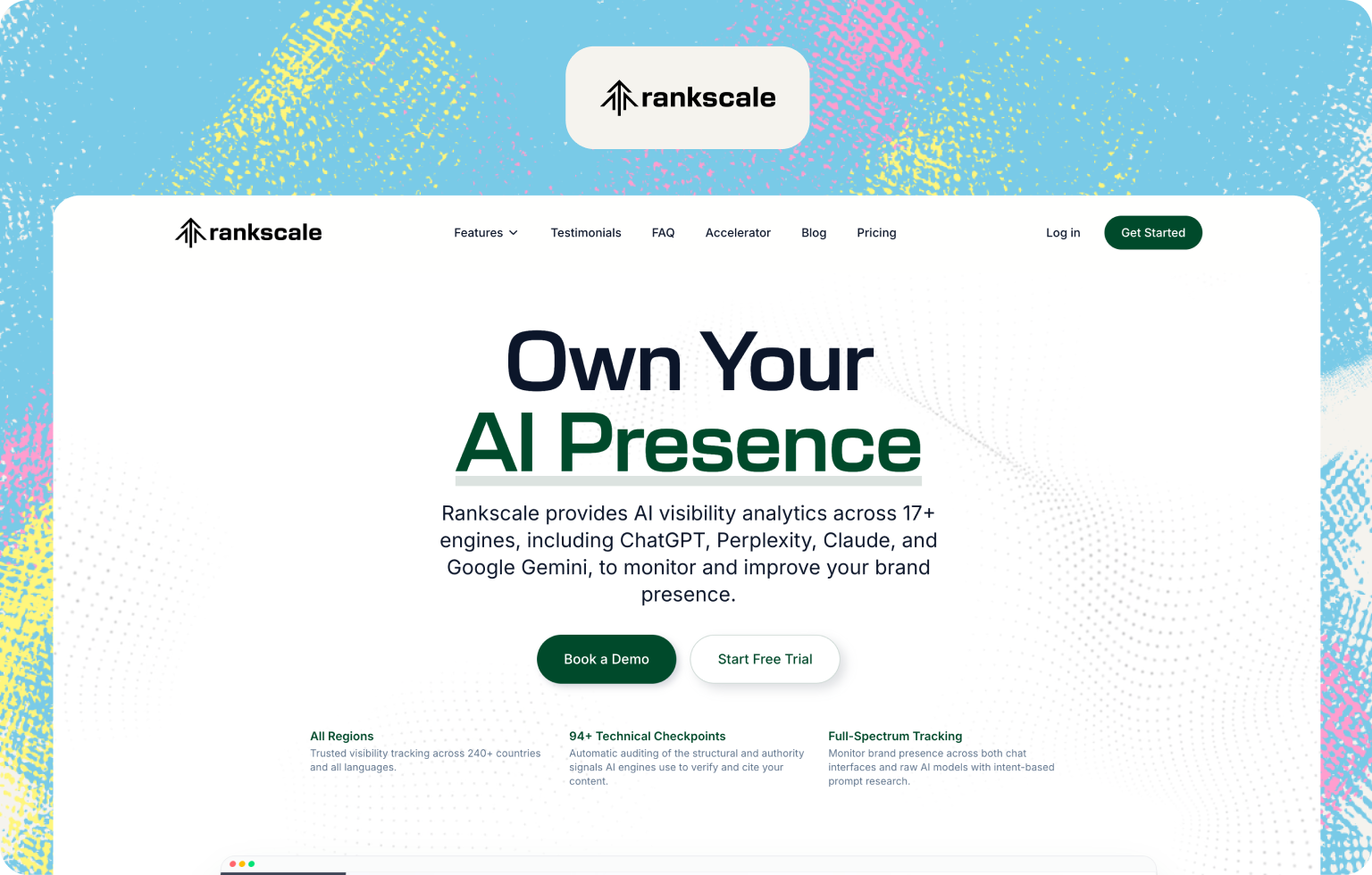
Pricing: From $20/month (Essential, 120 credits / 480 AI responses). Credit-based model.
Engine Coverage: ChatGPT, Perplexity, Google AI Overviews, Google AI Mode, Gemini, Claude, Copilot, Grok, DeepSeek, Mistral
What You Get: Daily tracking, citation analysis, sentiment tracking, competitor benchmarking, AI Readiness Score website audits, and one of the broadest engine coverages at this price point.
What You Lose: The credit-based system can feel limiting once you scale tracking, and the platform is noted as more technical, with a learning curve that may not suit non-SEO users.
Best For: Technically inclined SEO professionals and growth marketers who want daily tracking at the lowest possible cost.
Watch Out: Credits burn faster than you'd expect. Map out your prompt volume before committing.
4. Waikay
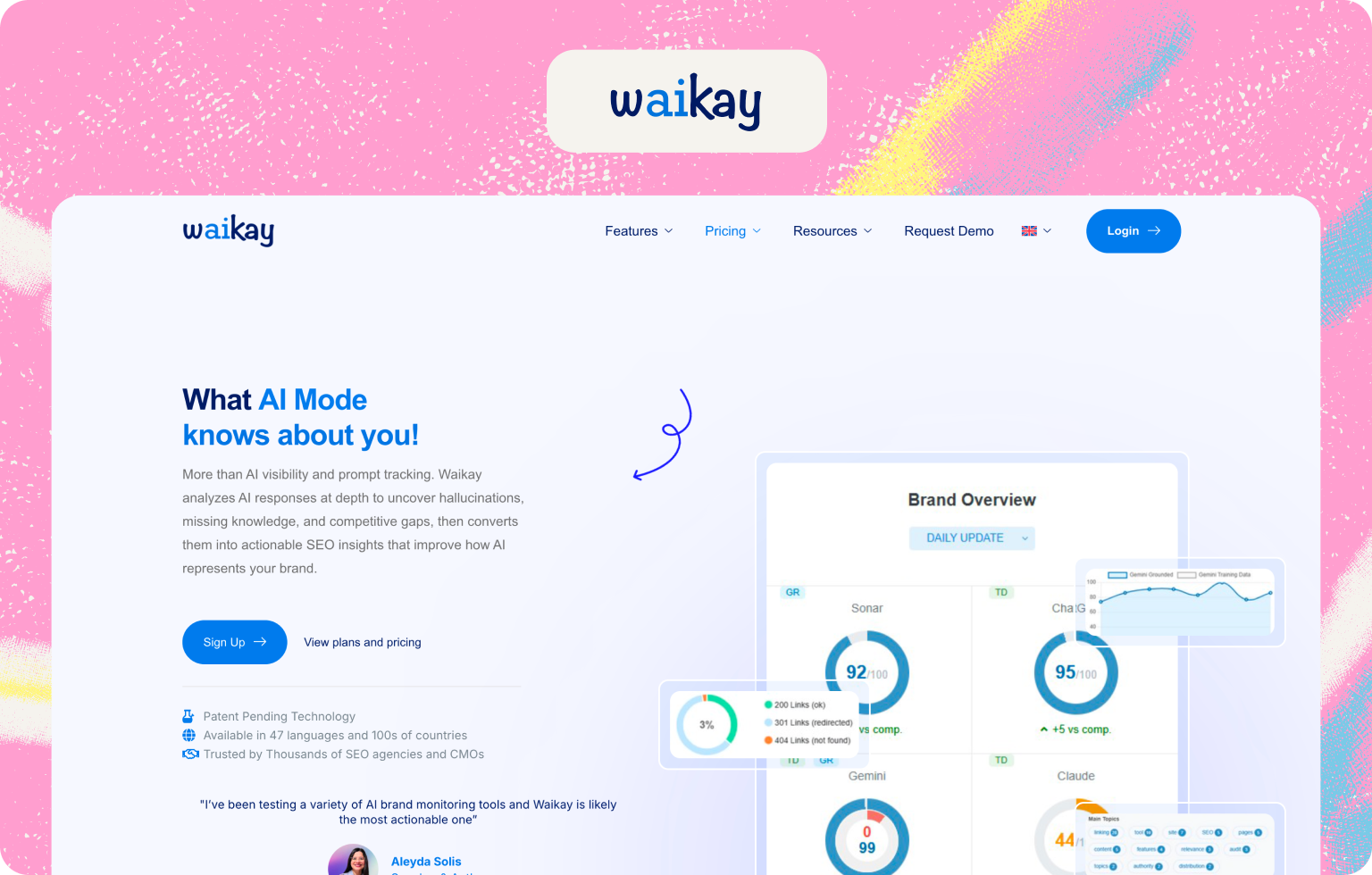
Pricing: $19.95/month (8 credits / 120 prompts), $69.95/month (up to 600 prompts). Free tier available.
Engine Coverage: ChatGPT, Google, Claude, Sonar
What You Get: Entity-based brand analysis using knowledge graphs, an AI Brand Score out of 100, hallucination detection, broken link alerts when AI cites incorrect URLs, and a "check, flag, delete" workflow for managing AI-generated claims about your brand.
What You Lose: Report-based model rather than continuous monitoring, so it's better suited for audits than for ongoing daily tracking.
Best For: Brands concerned about AI misinformation or misrepresentation, particularly those in regulated or reputation-sensitive categories.
Watch Out: Waikay is built around periodic reports rather than a live dashboard. If you need daily visibility updates, pair it with another tool.
5. LLMrefs
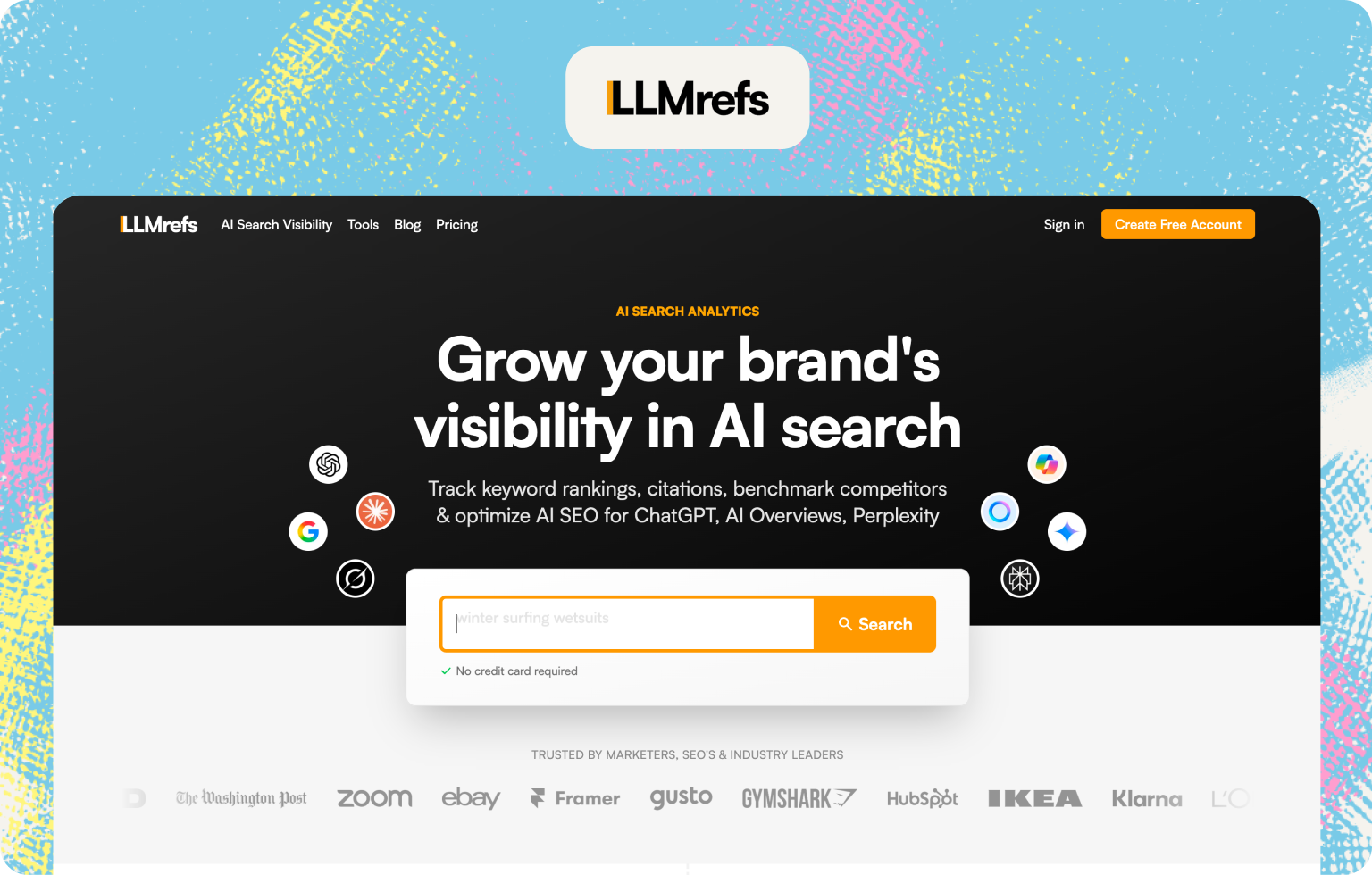
Pricing: Pro plan from $79/month.
Engine Coverage: Access to all AI search engines
What You Get: AI keyword exploration, weekly trend reports, the proprietary LLMrefs Score for quick progress tracking, competitor benchmarking, and practical GEO hygiene guidance (Bing indexing, llms.txt, semantic slugs).
What You Lose: Weekly updates only, limited engine coverage compared to competitors at a similar price, and relatively light on advanced analytics.
Best For: Solo marketers and startups who are new to AI visibility tracking and want a simple, low-overhead starting point.
Watch Out: The weekly refresh cadence means you'll miss fast-moving changes. Good for orientation, less useful for active optimization.
6. SE Visible (SE Ranking AI Search Add-On)
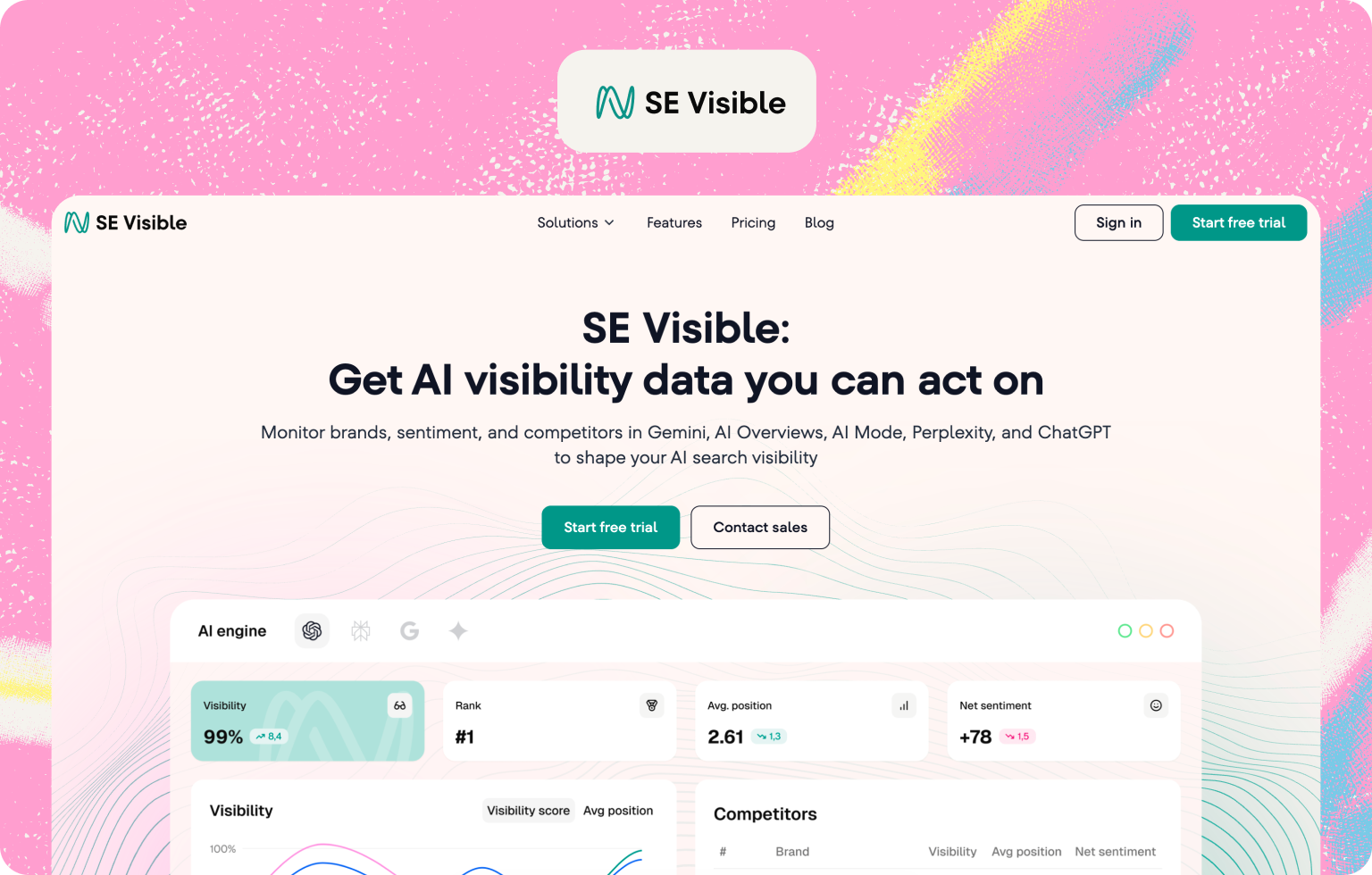
Pricing: From $79/month. Includes a 10-day free trial.
Engine Coverage: ChatGPT, Perplexity, Google AI Mode, Google AI Overviews
What You Get: Brand visibility tracking across five engines, sentiment analysis, competitive benchmarking, source and citation analysis, and suggested prompts based on your website content. When paired with SE Ranking, it becomes a more complete SEO and AI visibility stack.
What You Lose: Only truly valuable if you're already a SE Ranking customer. Standalone, it's expensive relative to purpose-built alternatives with similar features.
Best For: Marketing teams already running SE Ranking who want to add AI visibility without switching to a new tool.
Watch Out: If you're not already in the SE Ranking ecosystem, you'll likely find better value elsewhere at this price point.
7. Knowatoa
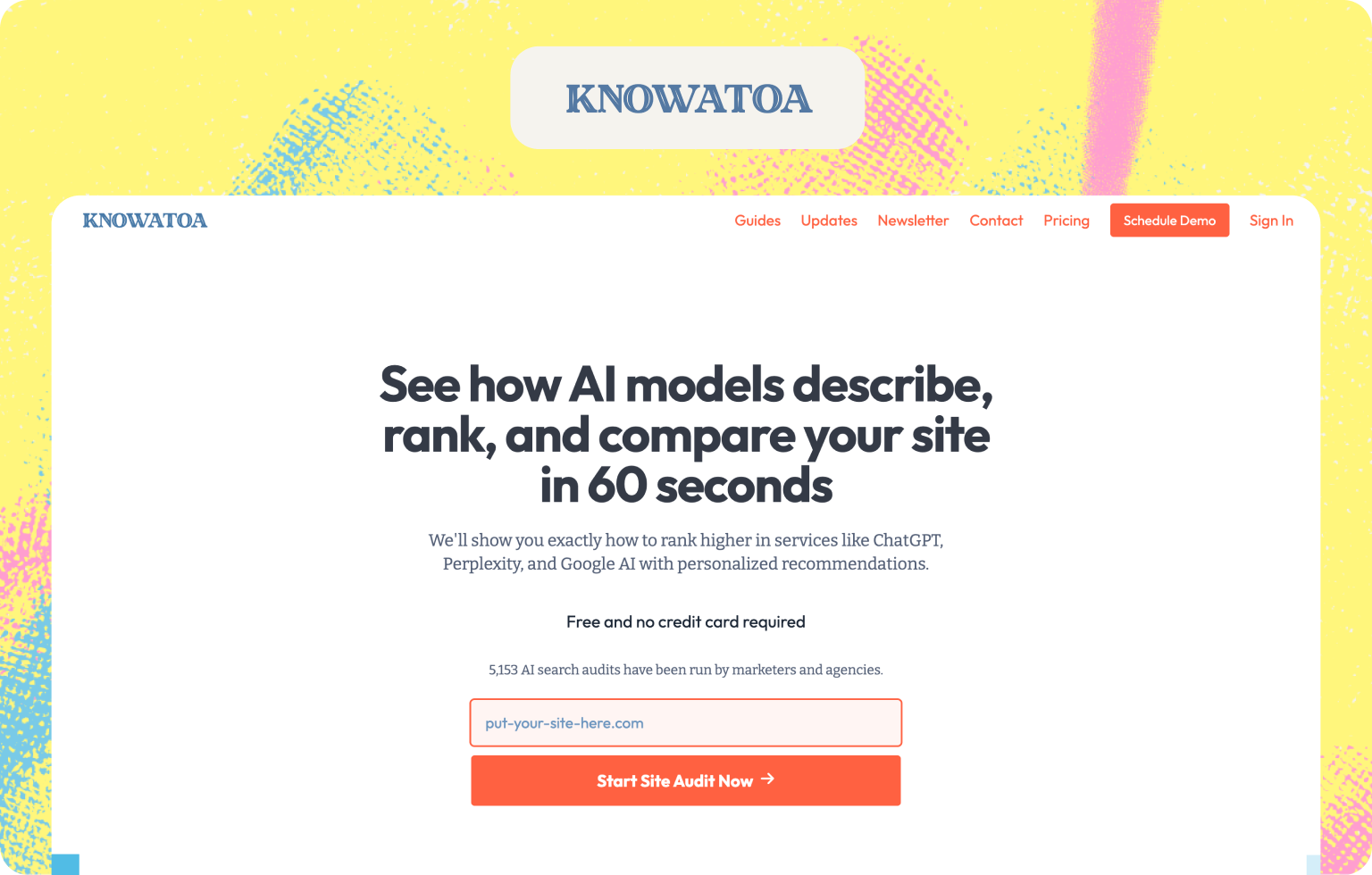
Pricing: Free trial available. Paid plans from approximately $59/month.
Engine Coverage: ChatGPT, Google AI Overviews, AI Overviews
What You Get: Coverage on a selection of AI engines, brand visibility tracking, misinformation detection, sentiment monitoring, competitor benchmarking, and citation source analysis.
What You Lose: Still an early-stage platform with limited public reviews, which makes it harder to validate data reliability. Feature depth is less proven than established alternatives.
Best For: Teams who need broad engine coverage including Meta AI and want to monitor how AI characterizes their brand, not just whether it appears.
Watch Out: User reviews remain sparse. Worth testing the free tier before committing to a paid plan.
8. Nightwatch (Base Plan)
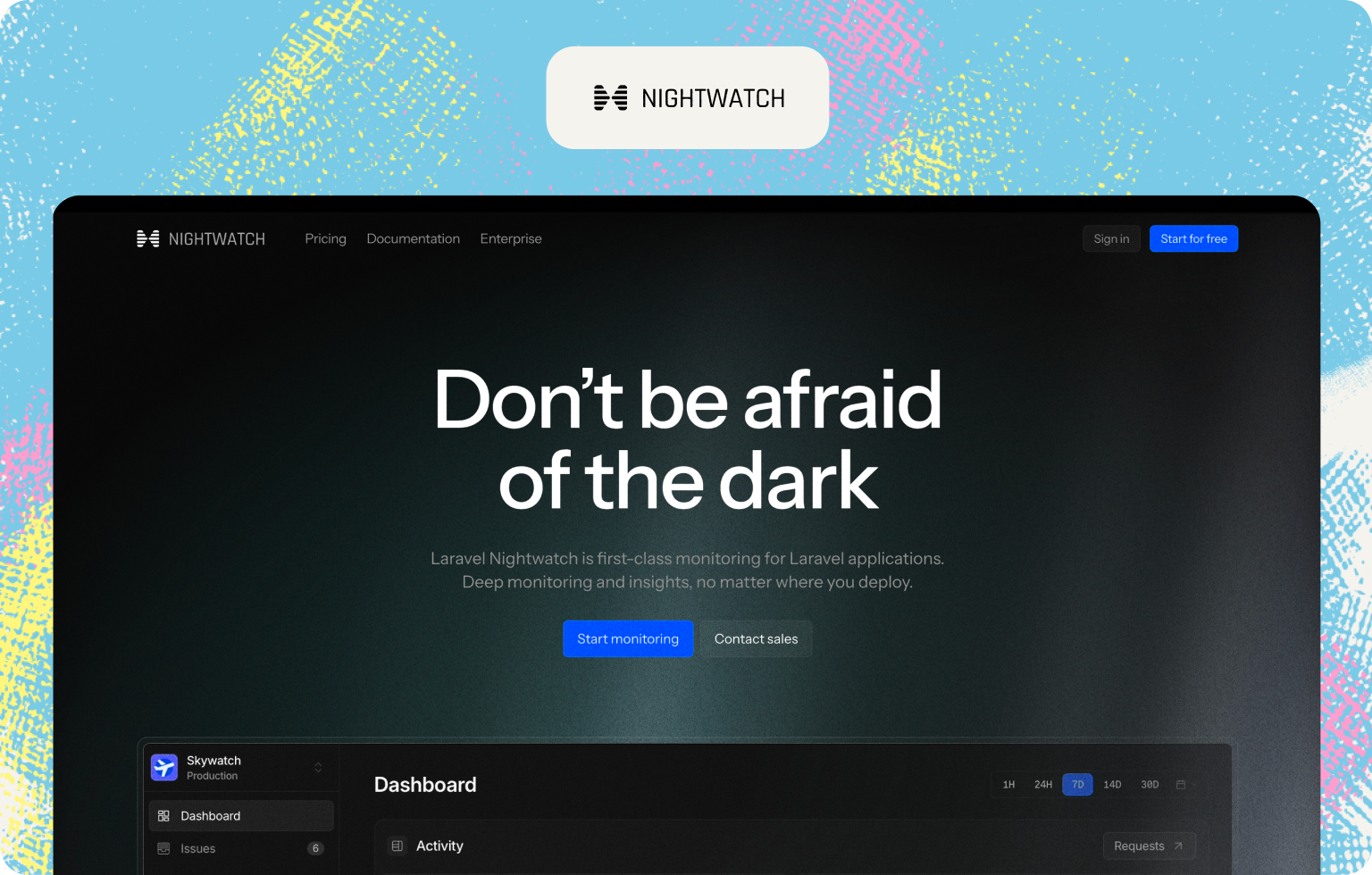
Pricing: Base plans from $39/month (250 keywords, 50 websites). AI tracking is an add-on starting at $99/month for 100 prompts.
Engine Coverage: ChatGPT, Claude, Perplexity, Google AI Overviews (with add-on)
What You Get: The base plan is a strong traditional SEO rank tracker with precise geo-level data across 107,000+ locations. The AI tracking add-on layers in LLM monitoring, generative ranking metrics, and citation tracking alongside your existing keyword data in a unified dashboard.
What You Lose: The AI tracking add-on pushes the total cost above $100/month if you need meaningful prompt volume. The base plan alone doesn't cover AI engines.
Best For: Teams already invested in traditional SEO tracking who want to unify AI visibility in the same dashboard without switching platforms.
Watch Out: To get genuine AI search analytics value, you'll likely need the add-on, which takes you over the $100 threshold. Worth flagging before you buy.
9. Semrush AI Toolkit
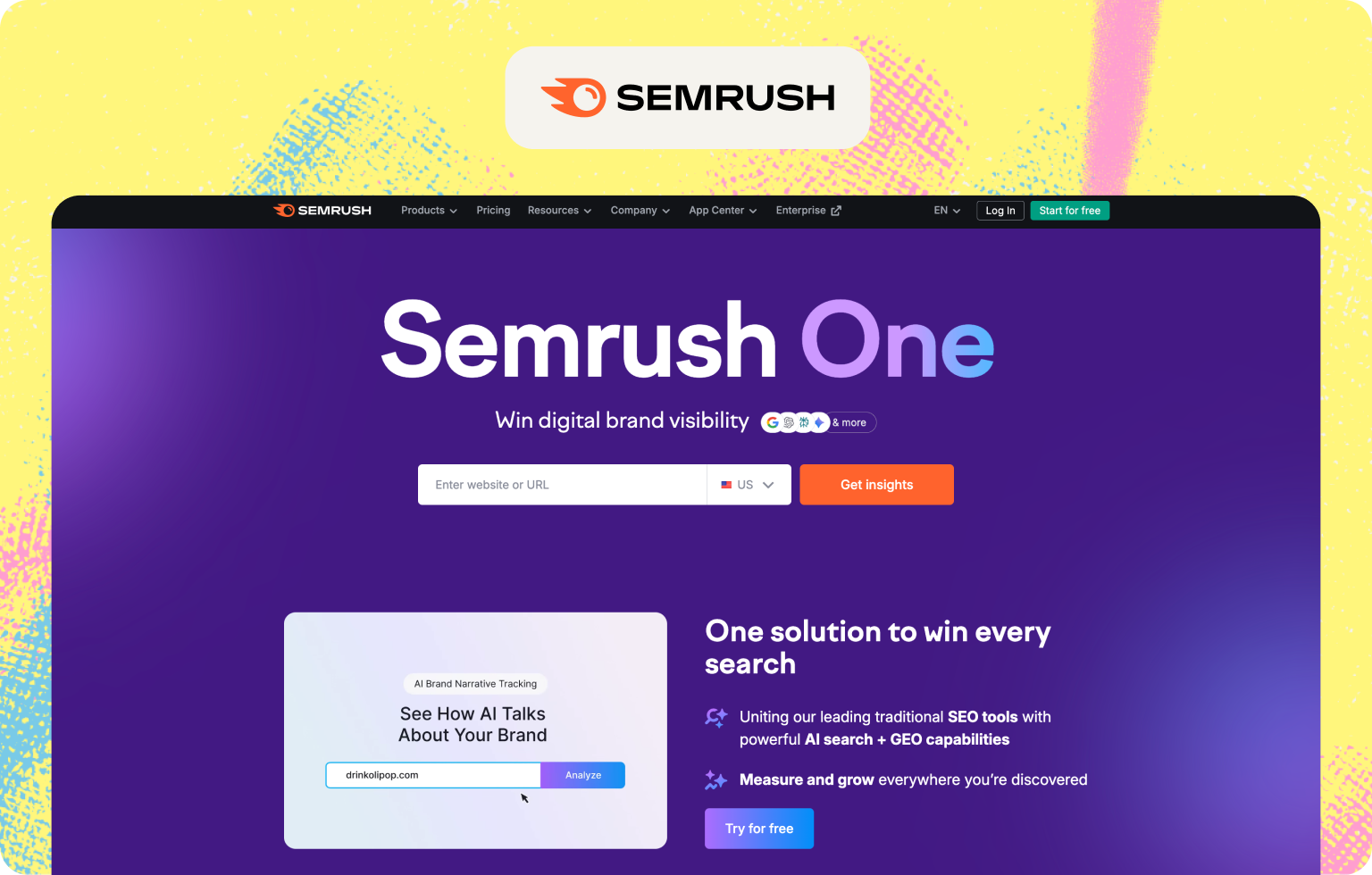
Pricing: $99/month add-on on top of a Semrush base subscription (which starts at $139.95/month).
Engine Coverage: ChatGPT, Gemini, Google AI Mode, Perplexity
What You Get: Brand performance reports, sentiment analysis, competitive perception metrics, and integration with Semrush's broader content and SEO workflows.
What You Lose: The $99 price is for the add-on only, not your full Semrush subscription. The actual cost is significantly higher for most users. Data methodology is less transparent than purpose-built tools, and AI recommendations can feel generic.
Best For: Large marketing teams already paying for Semrush who want AI visibility data without adding another tool to their stack.
Watch Out: This is only under $100 if you already have Semrush. Don't count it as a standalone budget option.
10. Peec AI
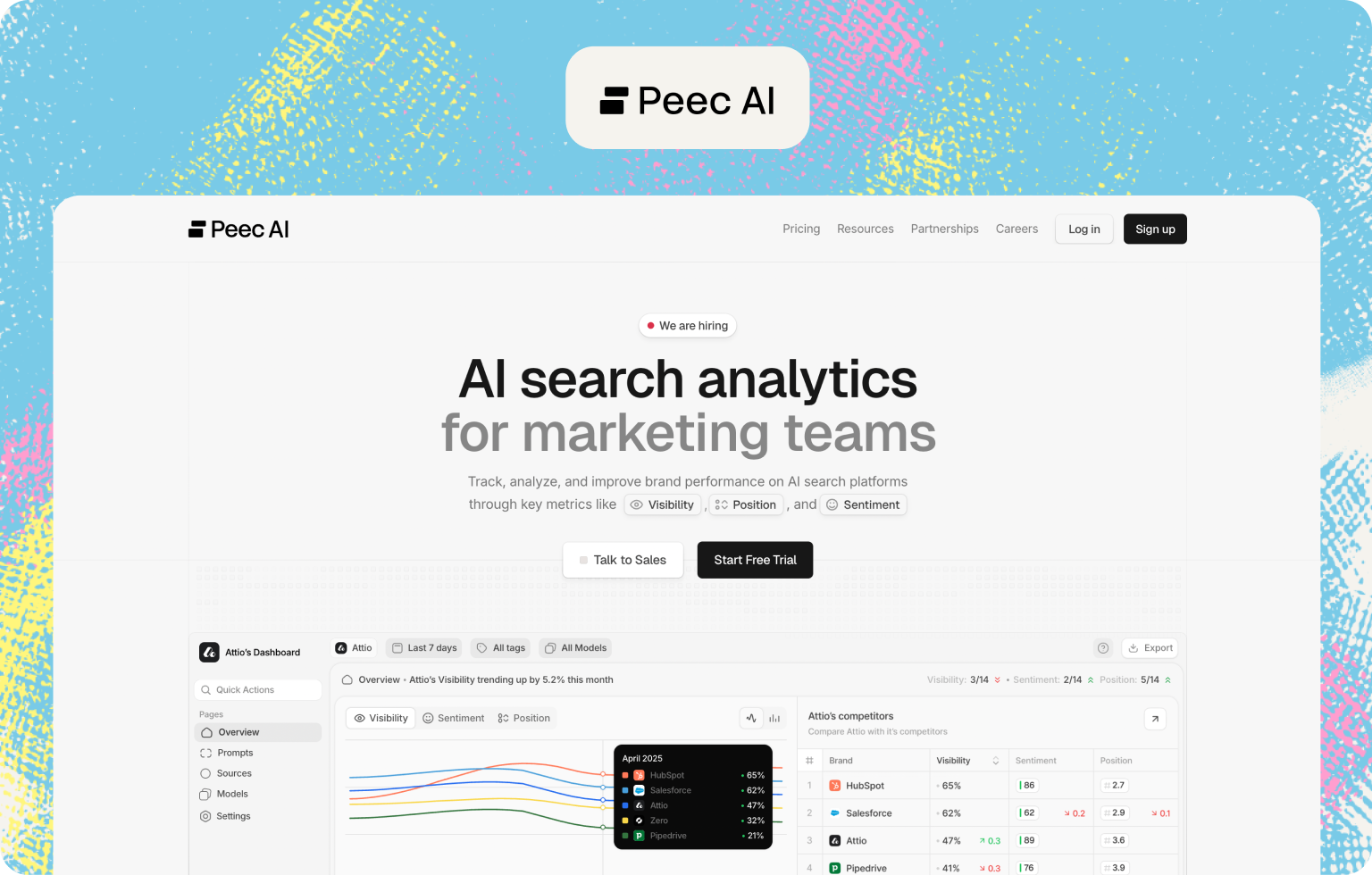
Pricing: From €89/month. Prompt-based pricing.
Engine Coverage: ChatGPT, Perplexity, Gemini, Google AI Overviews, Google AI Mode, Microsoft Co-Pilot
What You Get: Clean, structured share-of-voice reporting across multiple AI engines, citation and source tracking, competitor comparisons, data exports, and fast onboarding. Reviewers consistently praise it for clear, client-ready reporting.
What You Lose: Engine coverage is limited to three platforms, which misses Google AI Overviews and Copilot. Costs scale with prompt volume, so high-frequency tracking adds up quickly.
Best For: Marketing teams and agencies who prioritize clear SOV reporting and want fast, multi-engine benchmarking without adopting a full SEO suite.
Watch Out: Map your prompt needs before you start. This is one of the faster tools to get expensive at scale.
11. Keyword.com
Pricing: Varies by plan. AI tracking features available on paid tiers with keyword limits.
Engine Coverage: ChatGPT, Perplexity, Gemini, Mistral, DeepSeek, Google AI Overviews
What You Get: Cross-engine AI brand monitoring combined with traditional SERP rank tracking, citation analysis, sentiment monitoring, and competitive analysis. One of the few tools that gives you both views in a single dashboard without separate subscriptions.
What You Lose: Pricing structure is less transparent than most competitors. Verify current prompt inclusions before committing.
Best For: SEO teams who want to track both traditional rankings and AI visibility in one place without managing separate tools.
Watch Out: AI tracking features are an evolution of a traditional rank tracker. Purpose-built AI visibility tools may offer deeper GEO-specific features.
12. ZipTie AI
Pricing: Paid-tier pricing starting at $69/month.
Engine Coverage: ChatGPT, Perplexity, Google AI Overviews
What You Get: Basic brand visibility checks, downloadable screenshots of Google AI Overview snapshots, and quick audits of whether your brand appears in the three main AI surfaces.
What You Lose: Limited to three engines, no ongoing automated monitoring, and no actionability layer. It's a snapshot tool, not a continuous tracker.
Best For: Teams who want to run an initial audit before investing in a paid tool, or who need a quick check before a client conversation.
Watch Out: This is a starting point, not a strategy tool. You will outgrow it quickly if AI visibility is a real priority for your business.
What You Actually Get for Under $100: Feature Breakdown
Budget tools are not created equal, and the gap between what's advertised and what's actually included at sub-$100 price points can be significant. Before you commit to any tool on this list, here's an honest picture of what you can realistically expect.
What you typically get:
Most tools under $100 will cover between 3 and 6 AI engines, though the major ones (ChatGPT, Perplexity, and Google AI Overviews) are almost always included. You'll generally get daily refresh on paid tiers, which is essential for catching changes in fast-moving categories. Prompt monitoring up to around 25 to 250 prompts per month is standard, along with basic citation tracking at the domain level, email alerts, and 1 to 3 seats. Some tools at this tier also include Slack alerts and competitive benchmarking, though feature depth varies considerably.
What you typically lose:
This is where budget tiers show their limits. API access is rare under $100, which means you can't pipe AI search data into your own dashboards, CRM, or reporting workflows without a manual export. Historical data is often capped at 30 to 90 days, which makes long-term trend analysis or board-level reporting difficult. White-label reporting, SSO, and custom integrations are almost universally reserved for enterprise tiers. Unlimited seats are uncommon, and localization or multi-region tracking, while available on some tools, is not guaranteed at entry-level pricing.
The feature that separates the best budget tools from the rest, however, is not coverage or prompt volume. It's actionability. Most tools in this price range will tell you where you stand. Very few will tell you what to do about it. If you're a founder or a small team without a dedicated analyst, a dashboard full of visibility scores is only useful if it comes with a clear next step. Understanding how to monitor AI search visibility effectively is as much about choosing the right tool as it is about knowing what to do with the data once you have it.
The table below summarizes what's typically in and out at the sub-$100 tier:
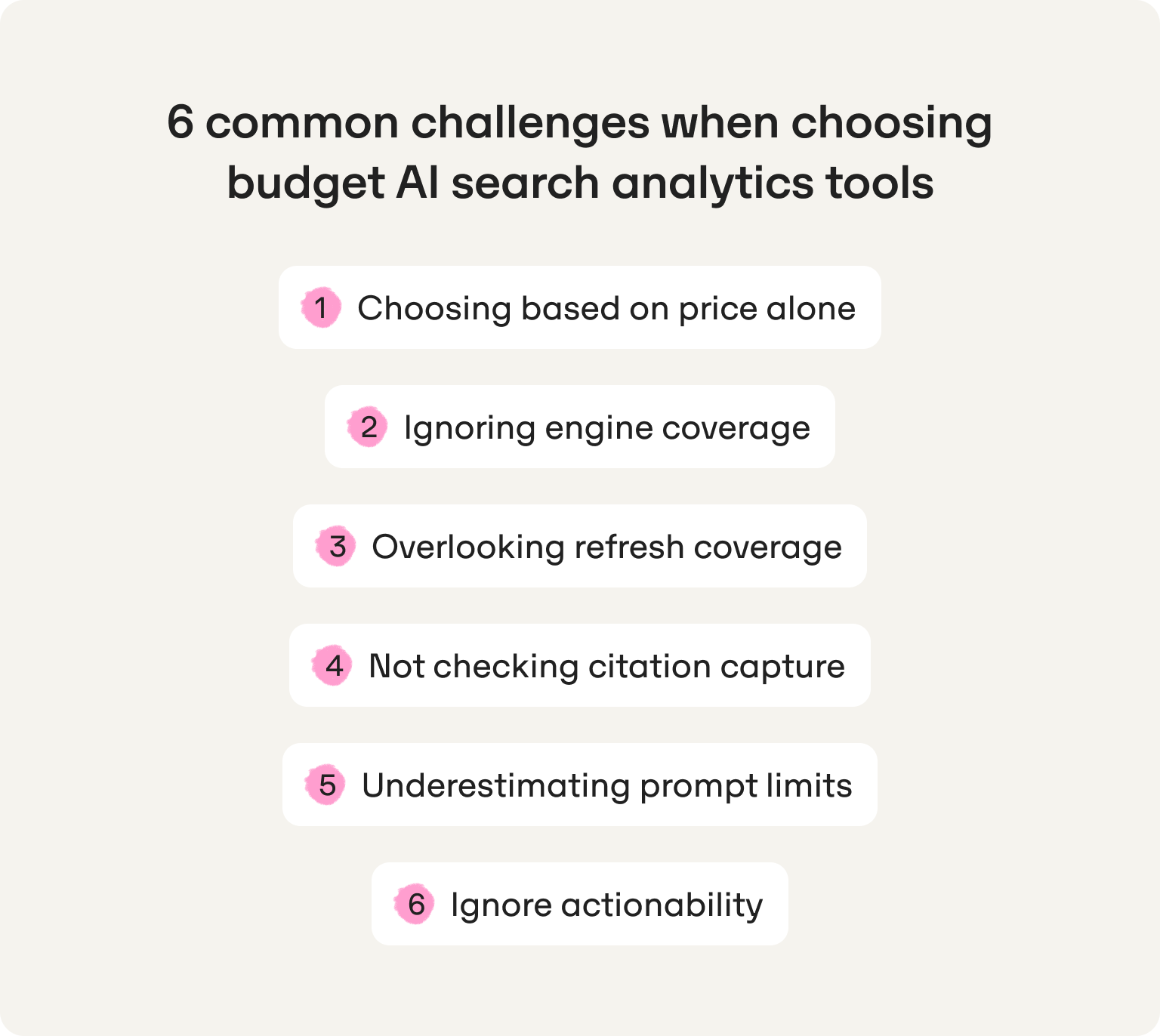
Six common challenges when choosing budget AI search analytics tools
Picking the wrong tool at this price point rarely comes down to budget. It usually comes down to buying on the wrong criteria. Here are the six mistakes we see most often.
Challenge 1: choosing based on price alone
The cheapest option on this list costs $19.95/month. The most expensive one costs $99. That $80 difference can represent a significant gap in refresh cadence, engine coverage, and actionability. A tool that tracks two AI engines on a weekly cycle and gives you no guidance on what to do next isn't saving you money. It's costing you time and competitive ground. Always compare what you're actually getting per dollar, not just the headline price.
Challenge 2: ignoring engine coverage
Not all AI engines are equal, and not all tools cover the ones that matter most for your audience. If a tool doesn't monitor Google AI Overviews or Perplexity, you're blind to two of the highest-traffic AI search surfaces right now. Before you sign up, map your audience's behavior: which AI tools are they most likely using when researching solutions in your category? Start there.
Challenge 3: overlooking refresh cadence
Weekly refresh sounds reasonable until you realize that AI answers can change significantly within 24 to 48 hours in competitive categories. A competitor publishes a well-structured article on Monday. By Wednesday, it's being cited in ChatGPT answers. If your tool refreshes on Sunday, you've lost a week. Daily monitoring is the minimum standard for any brand actively trying to improve its AI visibility, not just observe it.
Challenge 4: not checking citation capture
Brand mentions and citation tracking are not the same thing. A tool that tells you your brand appeared in an AI answer is useful. A tool that tells you which specific URLs and domains AI engines cited when generating that answer is what actually lets you act. Without citation URL capture, you can't identify which of your pages are working, which competitor pages are outperforming yours, or where you need to publish new content to get into the citation layer. If you want to go deeper on this, our guide to citation analysis and AI search optimization breaks down exactly what to look for.
Challenge 5: underestimating prompt limits
This is the most common source of buyer's remorse in this category, and it's worth thinking carefully before dismissing a 25-prompt plan as too restrictive. For a startup getting started with AI visibility, 25 well-chosen prompts tracking the right high-intent queries in your category will tell you significantly more than 250 loosely defined ones. The mistake isn't choosing a tool with a lower prompt cap. It's not being intentional about which prompts actually matter. Start focused: your core category queries, your top two or three competitors, and the long-tail topics where you have the best chance of getting cited. You can always expand as your strategy matures.
Challenge 6: ignoring actionability
This is the one that costs you the most. A dashboard that shows you visibility scores, share-of-voice percentages, and citation counts is only valuable if you know what to do with the information. Most budget tools stop at the data layer. If you're a founder running marketing yourself, or a two-person team without a dedicated SEO resource, you need a tool that translates insight into a clear next action, whether that's a content brief, a page to optimize, or a domain to target for distribution. Data without direction is just another bill.
When to consider an upgrade: five clear signals you've outgrown budget tools
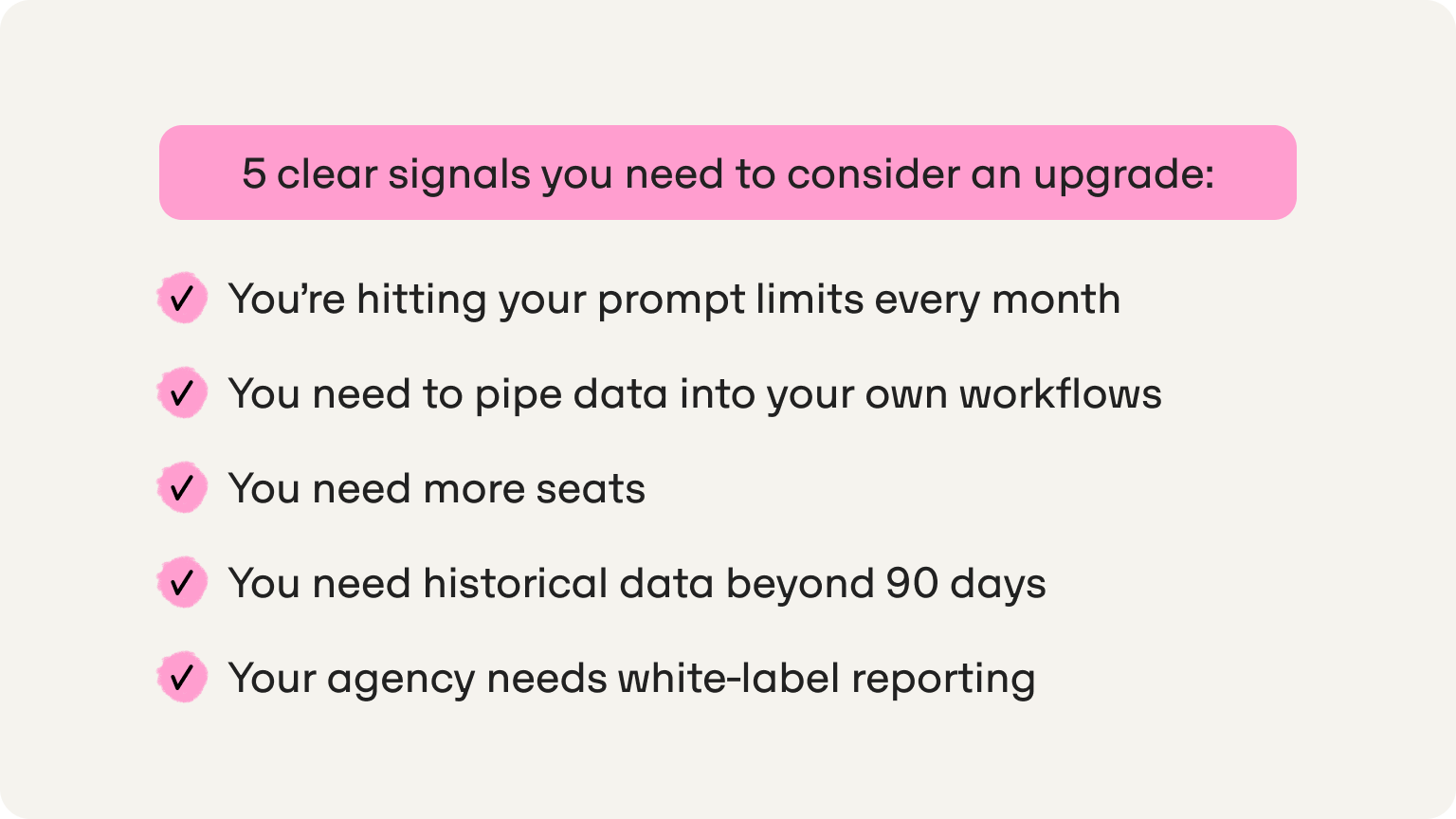
Budget tools are the right starting point for most startups. But there's a difference between a tool that's working within its limits and one that's actively holding you back. Here are five signals that it's time to move up.
Signal 1: you're hitting your prompt limits every month
If you're consistently bumping against your prompt cap and making trade-offs about which queries to track, that's not a tool problem. That's a strategy that has matured past its current plan. Graduating from Omnia's Growth plan (25 prompts) to Pro (100 prompts) is a natural next step once you've validated which prompt categories drive the most meaningful insights and want to expand your coverage without starting from scratch on a new platform.
Signal 2: you need to pipe data into your own workflows
If your team is manually exporting CSVs to build reports, or if you want AI search data flowing into your CRM, BI tool, or custom dashboard, you've outgrown what most budget tiers can offer. API access is rarely available under $100/month. When your reporting needs go beyond what the native dashboard provides, it's time to look at Pro or higher tiers that support data exports and integrations. Omnia's data export feature is available on the Pro plan.
Signal 3: you need more seats
Sharing login credentials between your founder, your growth lead, and a content hire is a sign the tool is working, not a reason to stay on the same plan. Most Growth-tier tools include 1 to 2 seats. Once AI visibility tracking becomes a shared workflow across your team rather than a solo task, upgrading to a plan that supports proper multi-user access is worth the investment.
Signal 4: you need historical data beyond 90 days
Month-to-month visibility snapshots are useful for operational decisions. But if you're preparing a board update, benchmarking progress against a six-month content push, or trying to correlate AI visibility gains with pipeline growth, you need historical data that goes back further than most budget tiers allow. Extended data retention is a feature almost universally reserved for higher-tier plans.
Signal 5: your agency needs white-label reporting
This one is specifically for agencies managing AI visibility on behalf of clients. If you're presenting visibility data in client-facing reports and need those reports to carry your own branding rather than a third-party tool's interface, white-label reporting is non-negotiable. It's not available at budget tiers on most platforms, including Omnia, where it sits within the Entreprise plan alongside a dedicated account manager and 200+ prompt monitoring.
Why Omnia is the best value under $100 for startups
There are fifteen tools on this list. Several are cheaper. A few cover more AI engines. But if you're a startup with a lean team and real pressure to grow, none of them put the full picture together the way Omnia does at €79/month.
Most tools stop at the data. Omnia starts there. The fundamental problem with budget AI search analytics tools isn't price. It's that they're built around reporting rather than action. You get a visibility score, a share-of-voice chart, and a citation list. Then you're on your own. Omnia is built around the assumption that visibility data is only valuable if it tells you what to do next. Every insight connects to an action, whether that's a content brief, a citation gap to close, or a long-tail prompt to target before your competitors notice it.
It replaces headcount, not just tools. The content creation feature generates AI-optimized content briefs from your visibility gaps. The trends feature identifies emerging topics before they become competitive. Put together, Omnia does the work that would otherwise require a content strategist, an SEO manager, and an analyst working in parallel. At €79/month, that's not a tool. That's leverage.
It works. Fast. INDYA, a fashion startup, went from position 11 to position 2 in AI search results in under 7 days using Omnia. No new hires. No agency. Just a clear picture of where they stood and the right actions to close the gap.
If your priority is understanding where you stand in AI search, knowing what to do about it, and having a platform that grows with you, Omnia is the clearest choice on this list. Start your free trial and see your first AI visibility snapshot before you've spent a penny. Or if you'd rather see it in action first, book a demo.
FAQs
How many prompts do I actually need when starting with an AI search analytics tool?
Most startups can get meaningful insight from 20–30 well-chosen prompts. Instead of tracking hundreds of vague queries, you should focus on your core category queries (e.g., “best project management tool for startups”), competitor comparison prompts, and high-intent buyer questions your audience asks AI tools. If your prompt list is intentional, a 25-prompt plan is often enough to validate an AI visibility strategy. You only need higher limits once you're expanding into long-tail monitoring or multiple markets.
Which AI engines should a budget tool cover at minimum?
For most startups evaluating tools under $100, three engines that matter most are ChatGPT, Perplexity, and Google AI Overviews. These surfaces currently drive the majority of AI-assisted product discovery. Additional engines like Gemini, Copilot, or Claude can be useful, but they rarely change early visibility insights. If a tool misses the three engines above, you’re likely missing where most AI-driven demand is happening.
How quickly should AI search data refresh?
In fast-moving categories, daily refresh is the minimum standard. AI answers change frequently when new content is published or when competitor pages gain authority. Tools that refresh weekly can miss major shifts in which brands are being cited, which sources AI engines trust, and emerging prompts gaining traction. If you’re actively optimizing content for AI search visibility, waiting a week for updates slows down your feedback loop.
How do I know if a tool will actually help me improve AI visibility?
Before committing to any platform, check whether the tool goes beyond reporting. The strongest tools under $100 will help you to identify which prompts matter in your category, show which pages AI engines cite, surface content gaps you can act on, and suggest topics or prompts where competitors are weak. If a tool only provides visibility scores or dashboards without guiding the next step, you’ll still need additional analysis before you can turn the data into growth.




.png)